Open it and you’re in
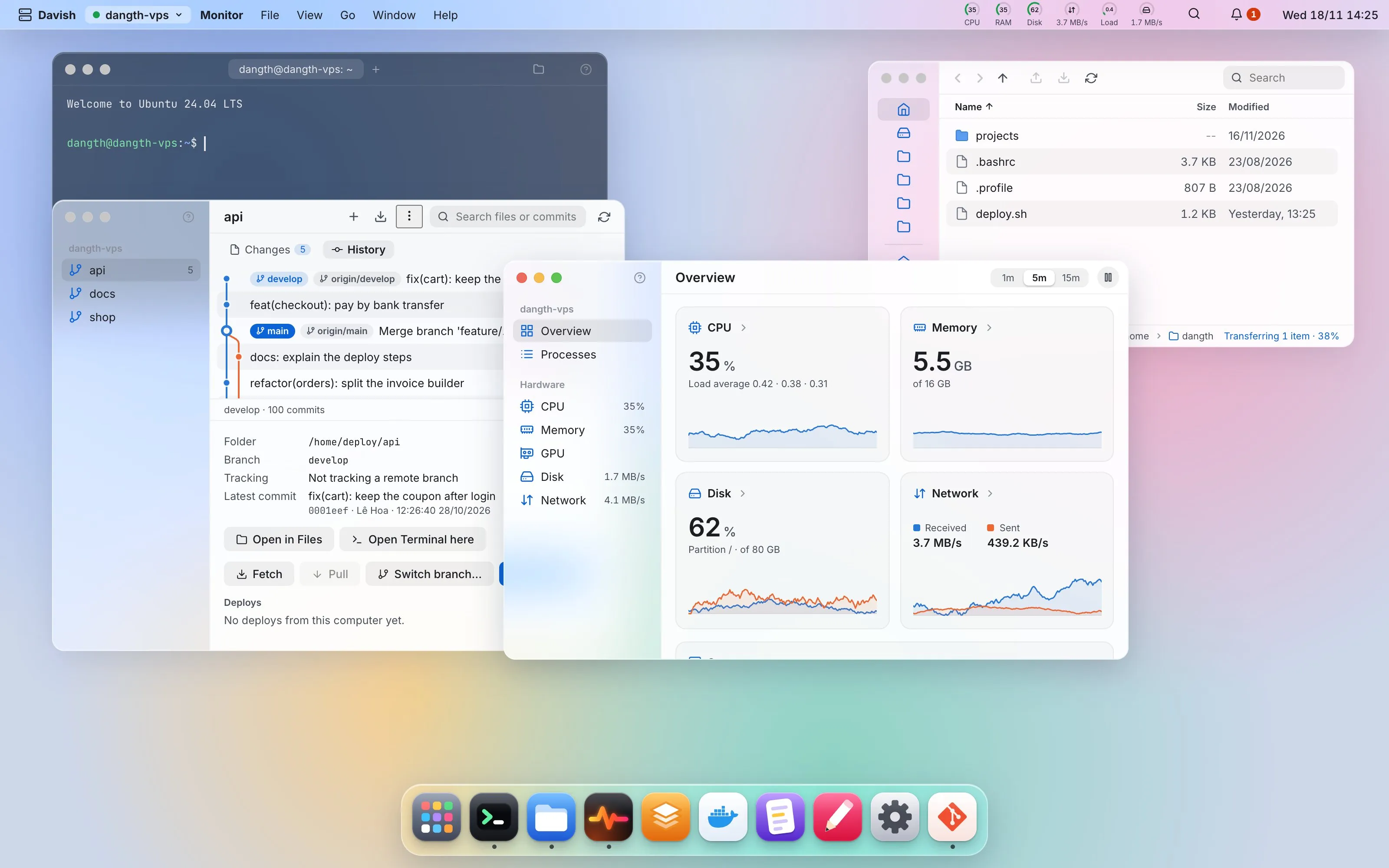
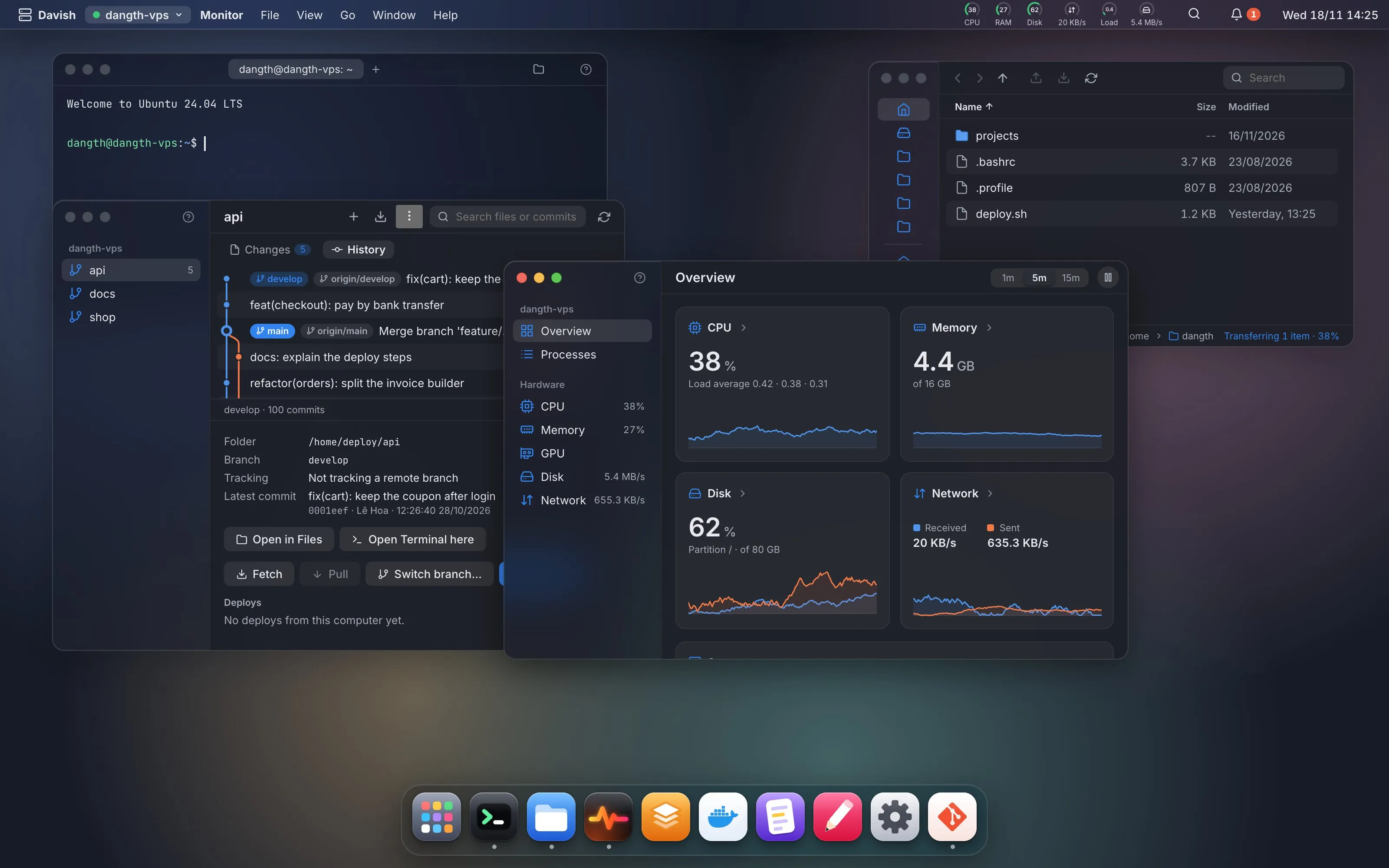
No login screen, no web panel. Davish connects with your SSH key and puts you on the server’s desktop. Nothing new listens on the server.
 Davish
Terminal, files, services, Docker, logs, databases and git over plain SSH, in one place that feels like an operating system.
Works on macOS, Windows and Linux
Pick an app to look inside
No login screen, no web panel. Davish connects with your SSH key and puts you on the server’s desktop. Nothing new listens on the server.
Only sshd and SFTP. Everything runs from your machine; nothing is copied to, installed on or left behind on the server.
Anything destructive shows the exact command first. The command log keeps all of it and exports the changes as a script.
Each server is a workspace that remembers its windows. Drag files from one server to another.
Import hosts from ~/.ssh/config or an Ansible inventory, keys and ProxyJump included.
A new version shows what changed; Davish downloads it, checks its signature and restarts into it.
More than twenty apps share one desktop: drag, snap and switch between them like on your own computer.
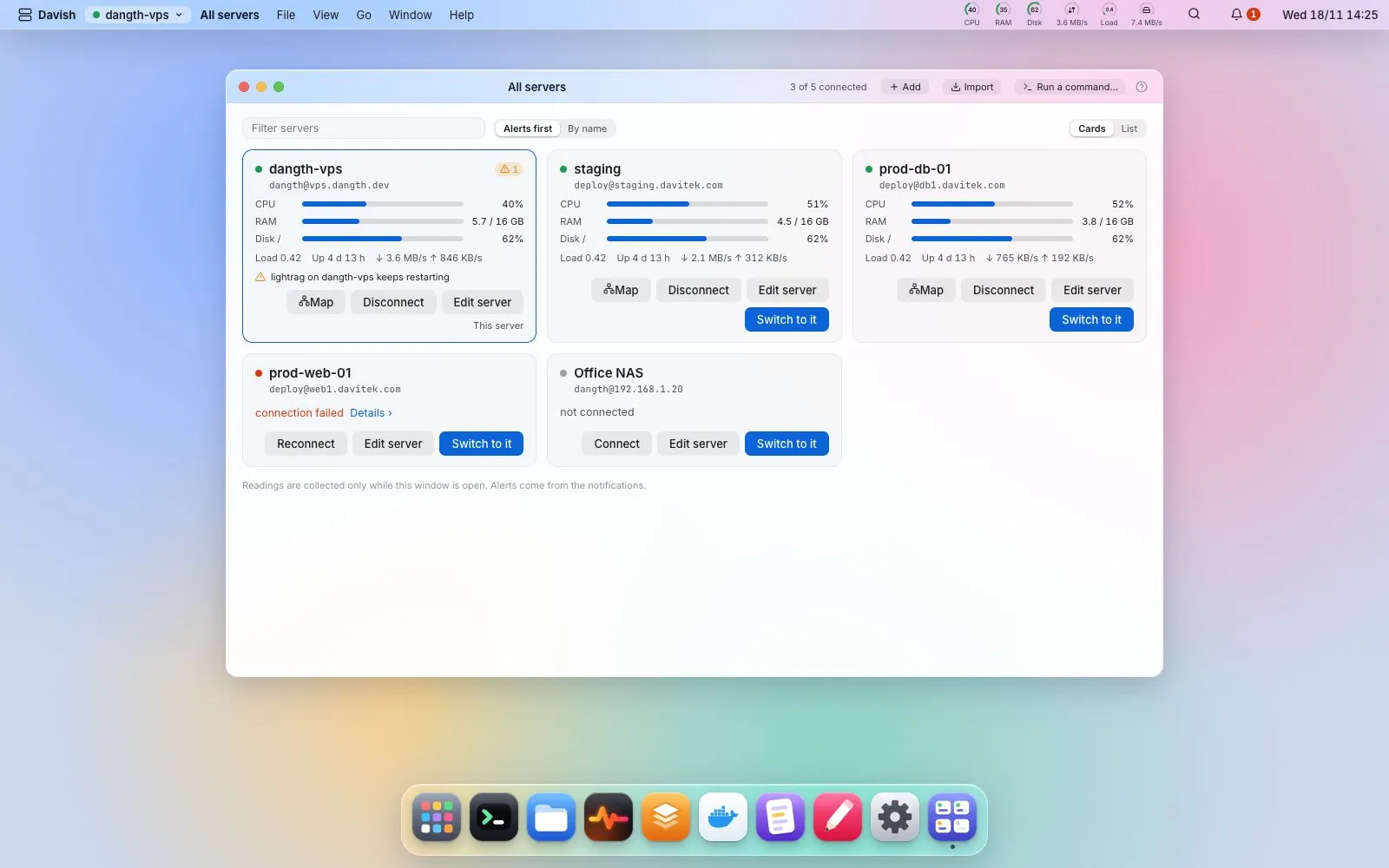
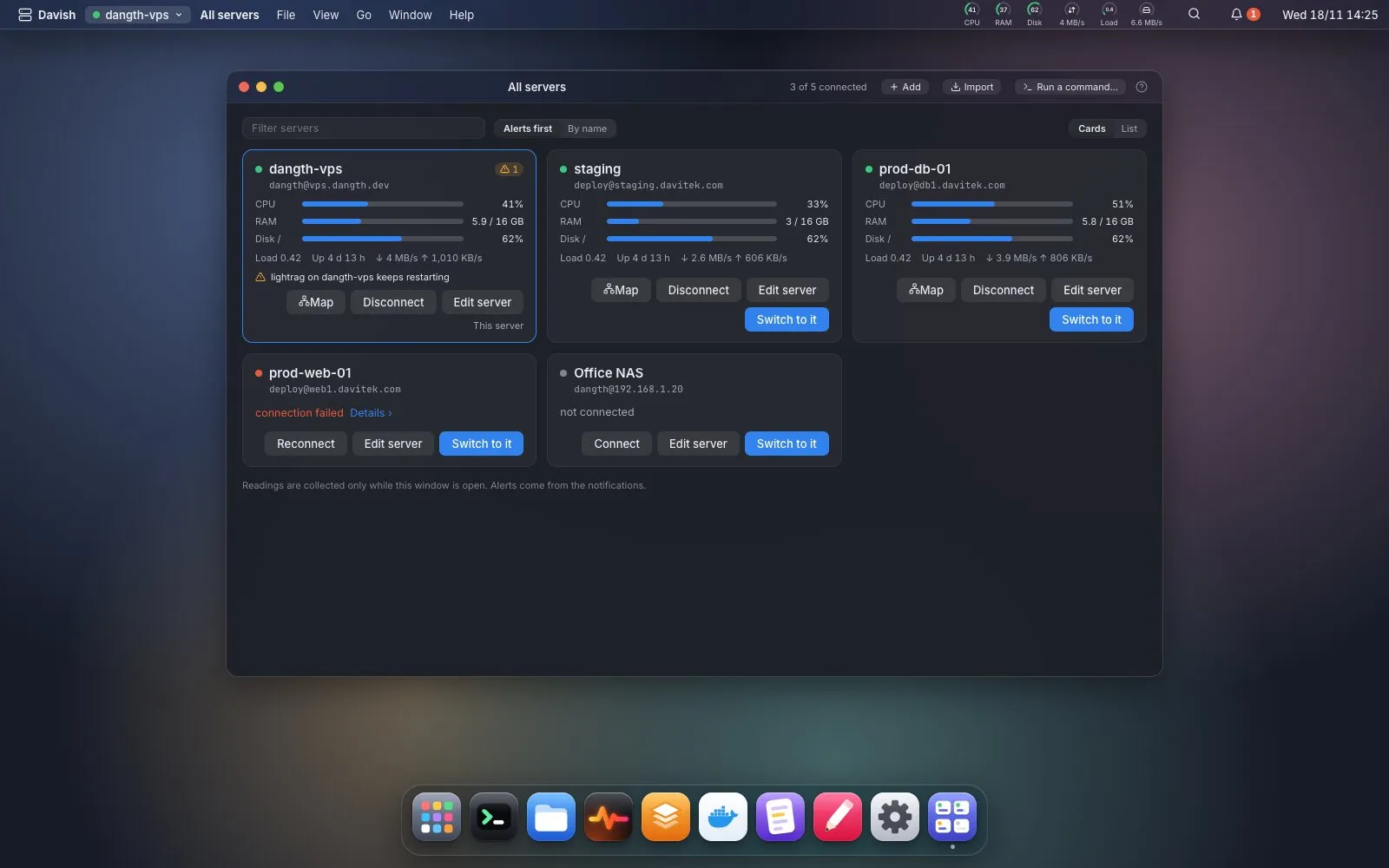
Health and alerts for every server in one window, and a map of what each one serves: domain, nginx, port, container.
Run a command on several servers at once, each in its own terminal tab, with a stop button that really stops.
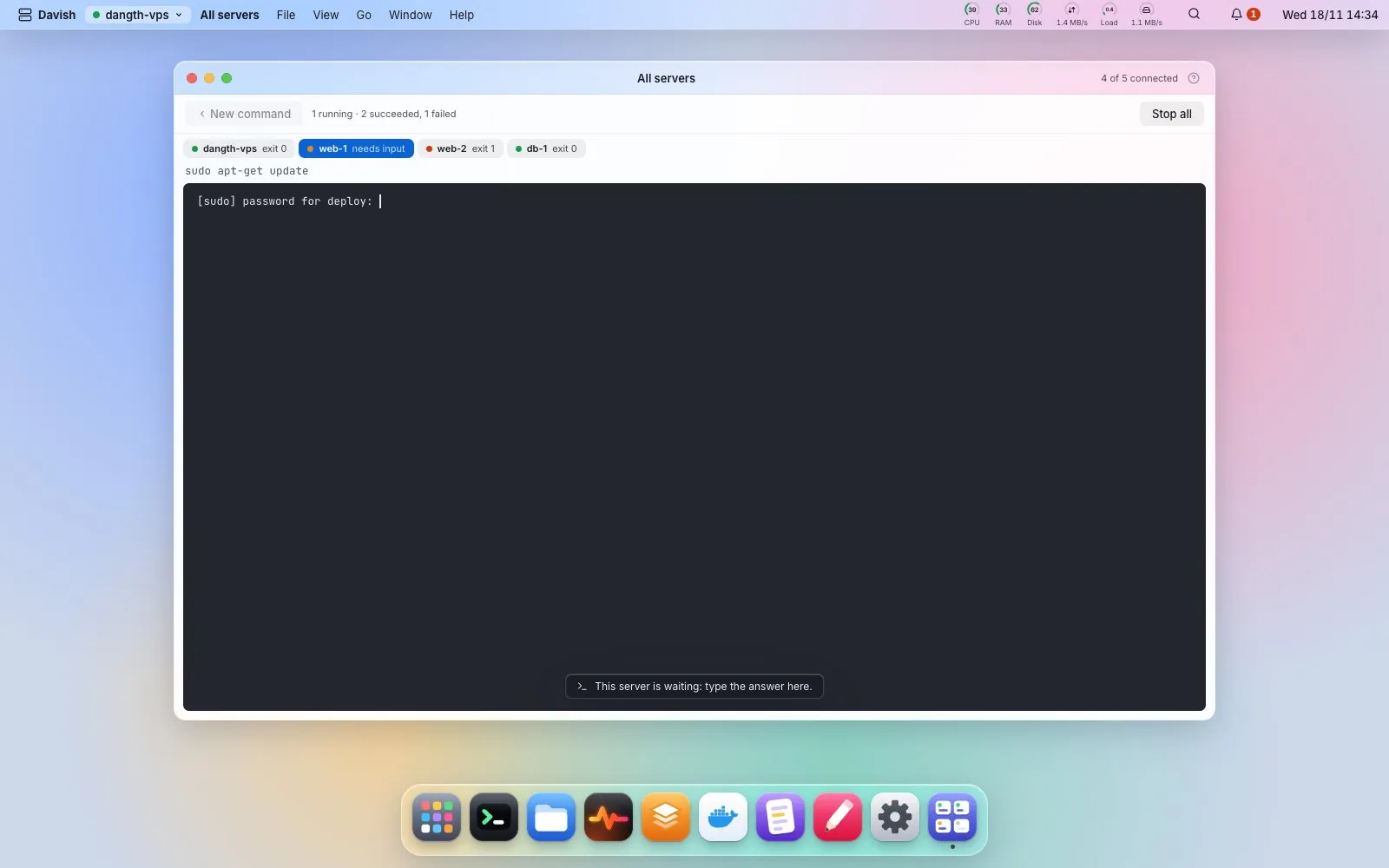
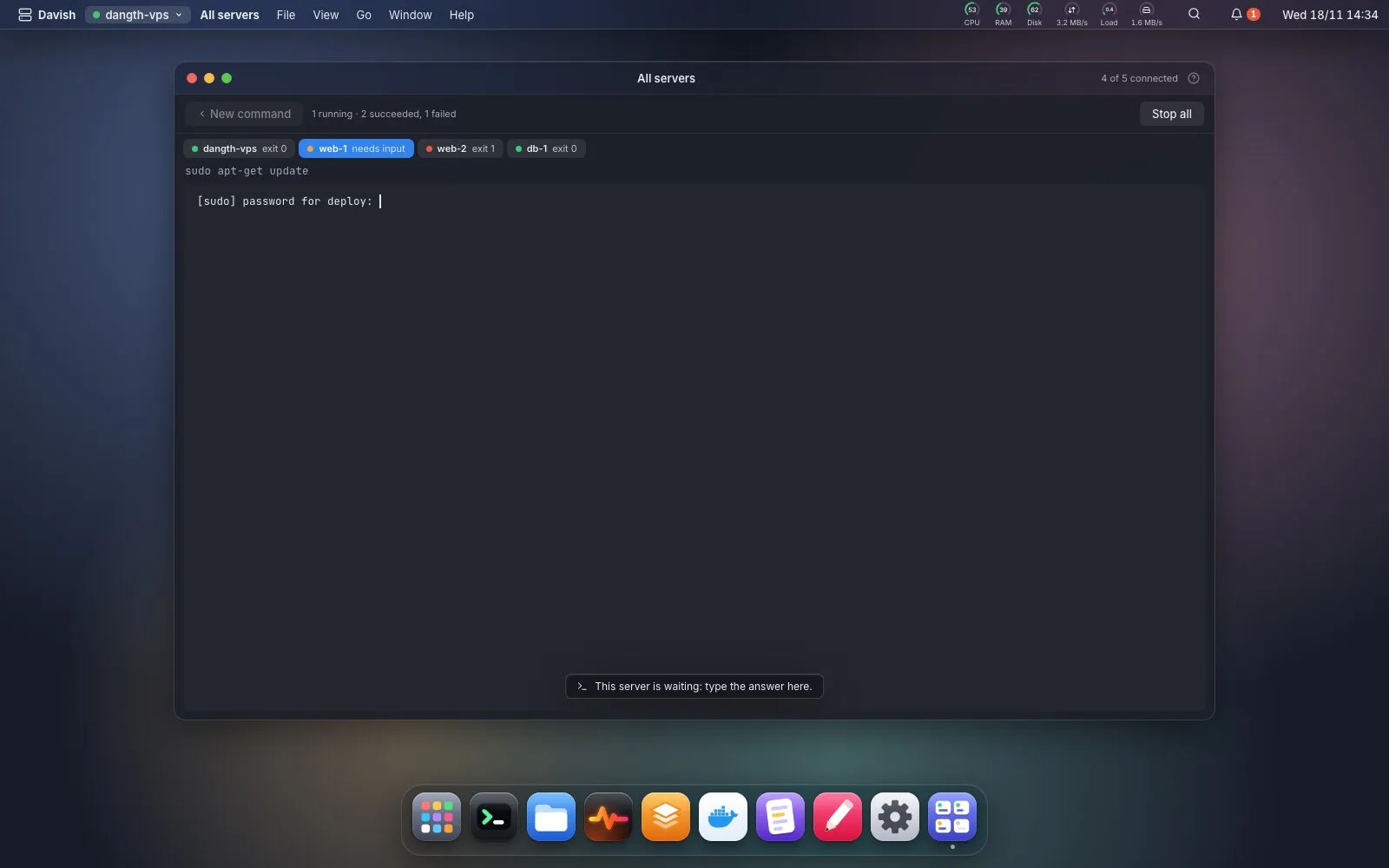
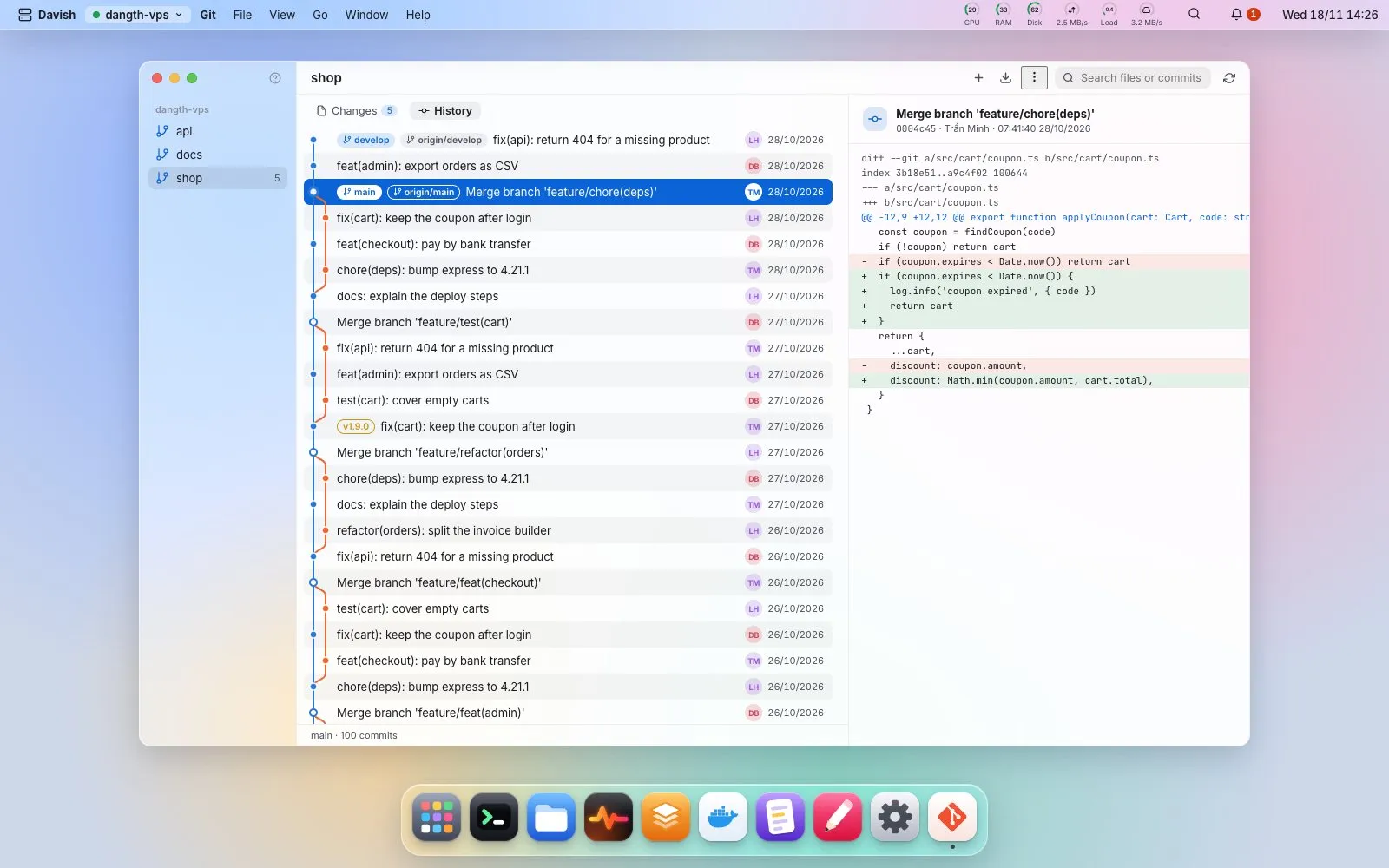
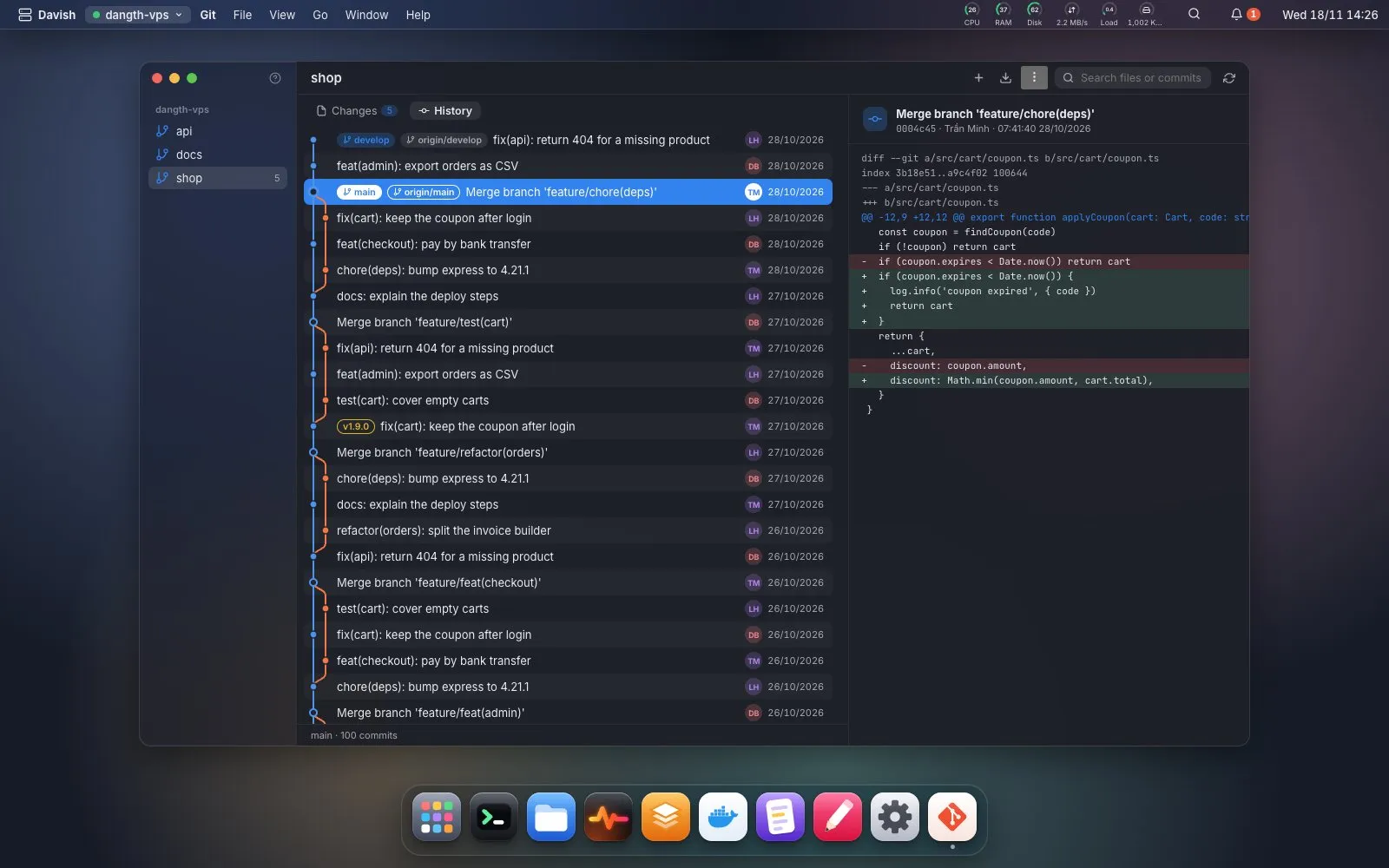
Status, diffs and the commit graph of the repos on your server, with fetch and pull.
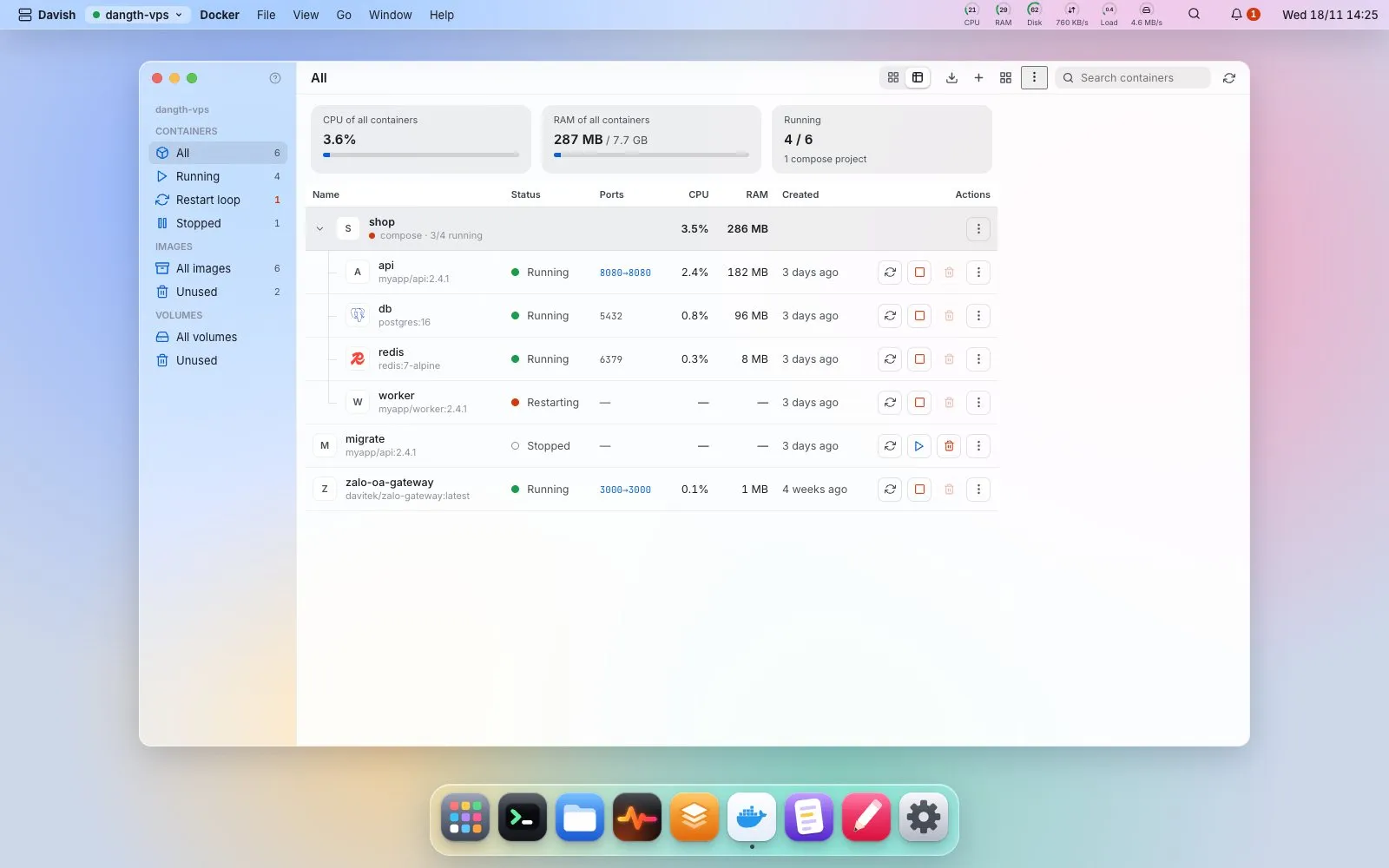
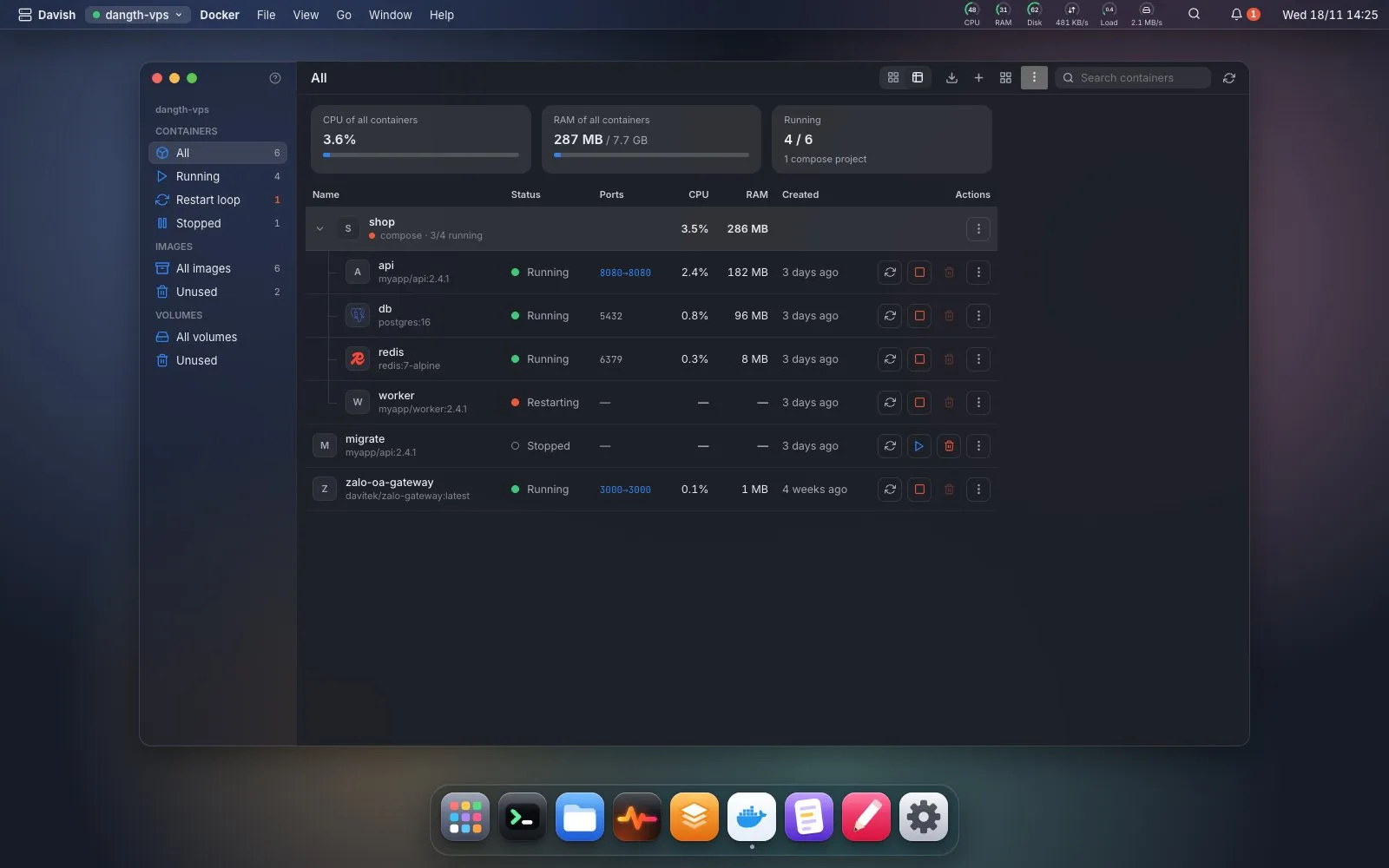
Containers by compose project, images and their layers, volumes, logs and a shell in one click.
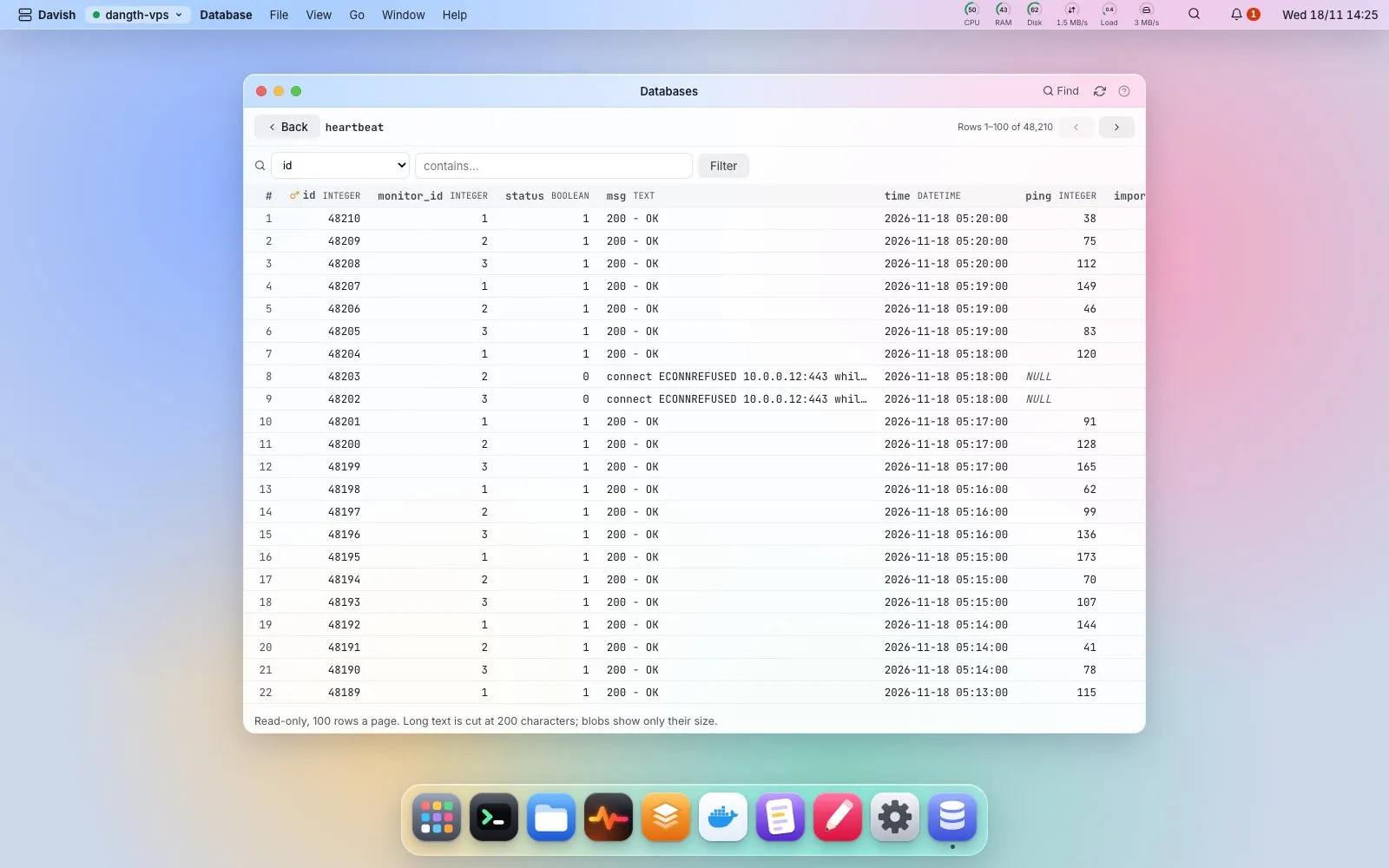
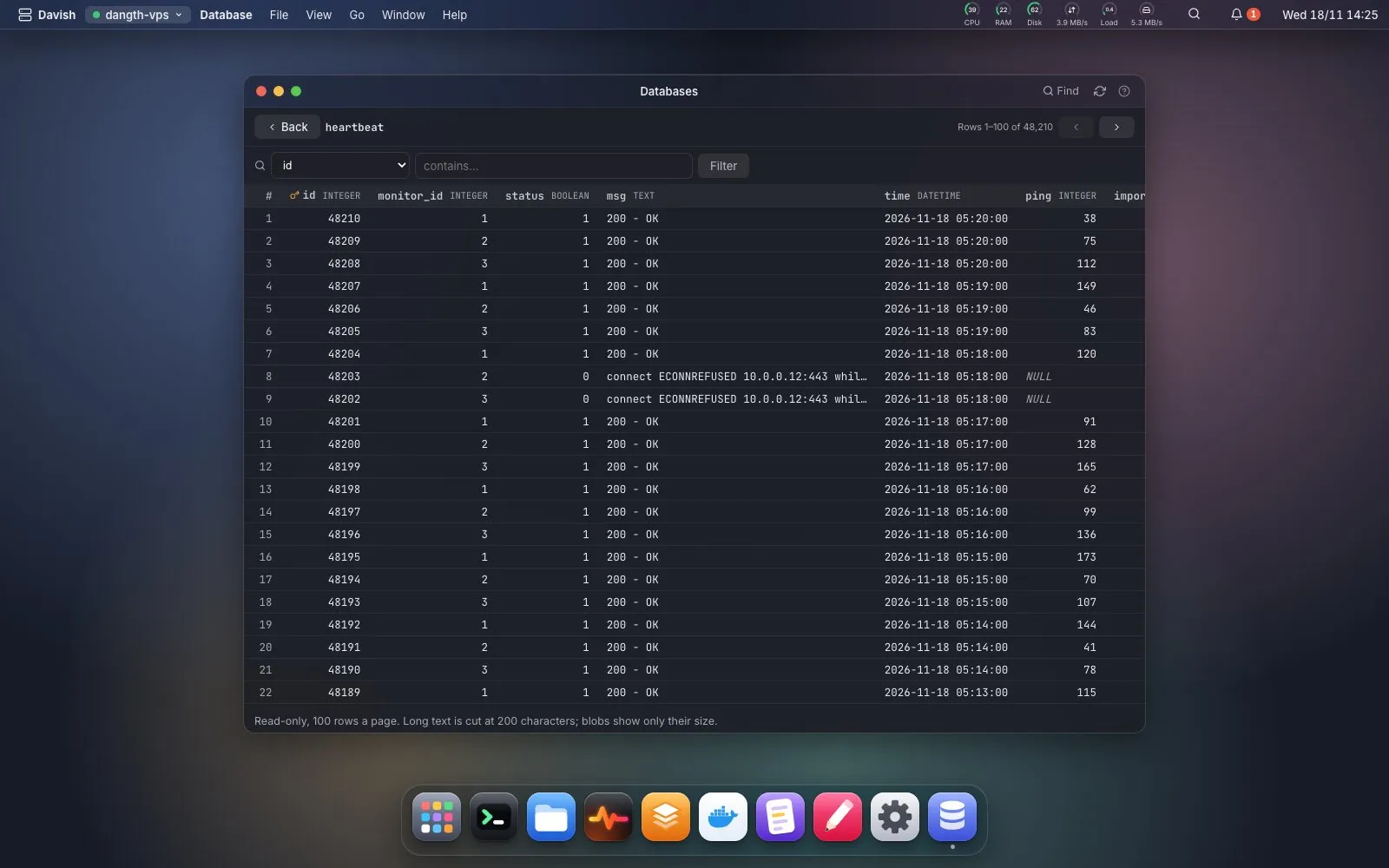
MariaDB, PostgreSQL, MongoDB and SQLite: create, dump and restore, and read SQLite tables page by page.
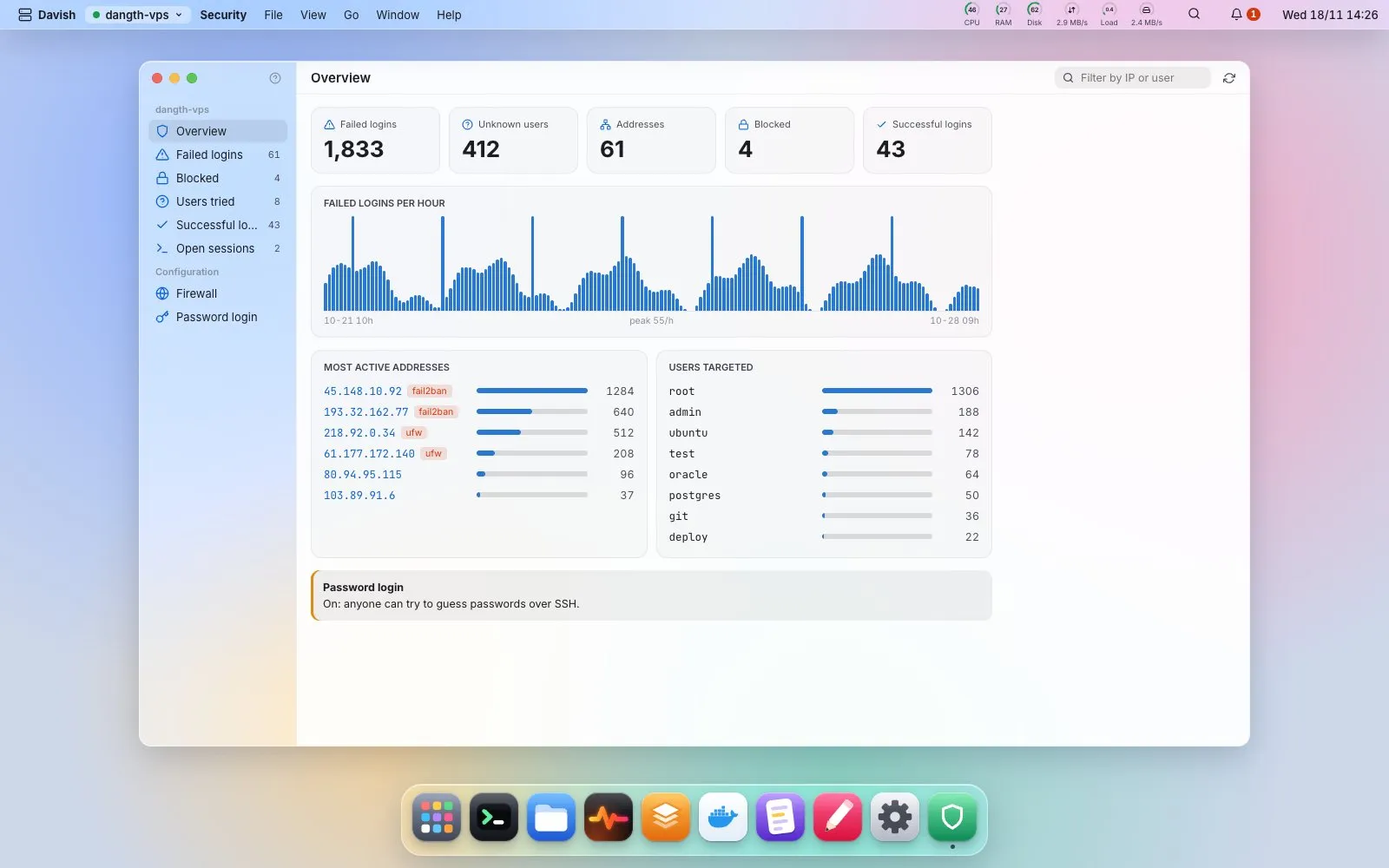
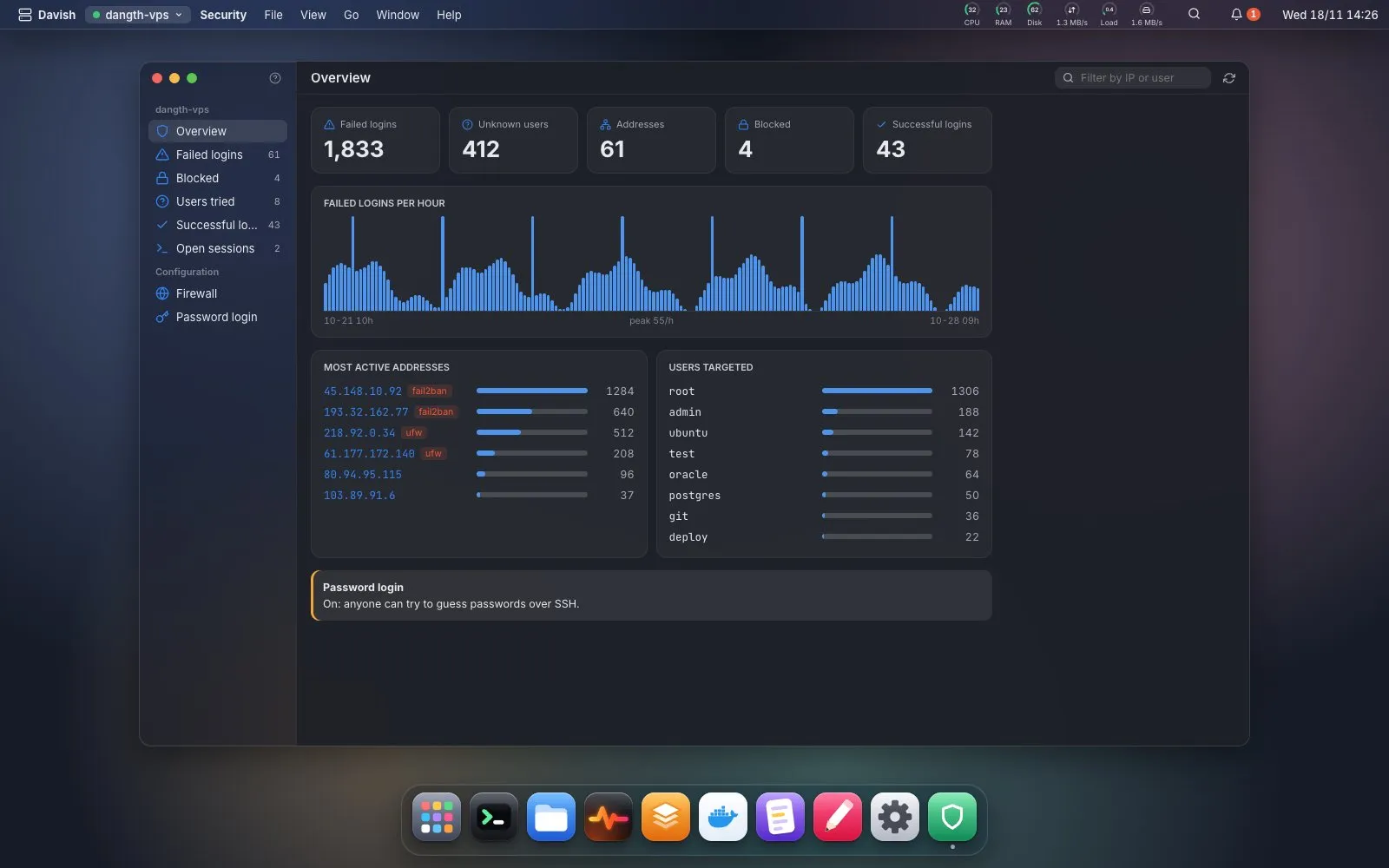
Failed logins per hour and by address, open sessions, ufw and fail2ban, without leaving the desktop.
 Terminal
 Files (SFTP)
 Editor
 Logs
 Monitor
 Services
 Cron
 Nginx
 Packages
 Ports & tunnels
 Browser
 Disk
 SSH keys
 Saved commands
 Command log
 Spotlight & Launchpad
Every app has its own page in the docs: what it does, what it runs on the server, and where your data stays.
Free for macOS, Windows and Linux. Your server only needs OpenSSH with SFTP.
macOS 12 or later, Apple silicon and Intel
InstallerPortable (.zip)Windows 10 or later, 64-bit
InstallerPortable (.zip)GTK 3 and WebKitGTK 4.1, x86-64
.tar.gzDavish is not code-signed yet, so macOS and Windows warn the first time. The install guide on GitHub shows how to open it. Install guide
Code, bug reports, testing on their own machines and ideas: thank you.


