Git
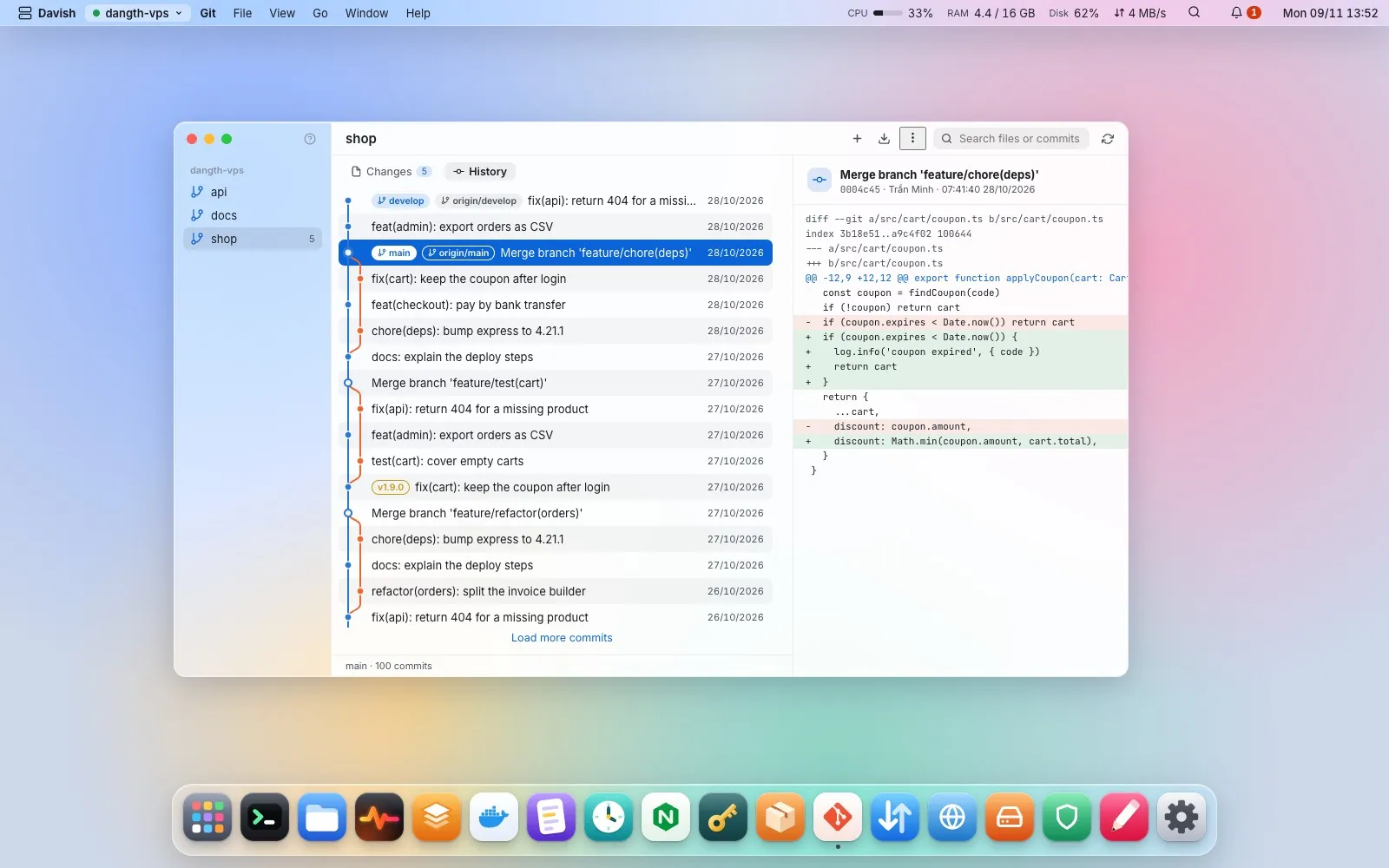
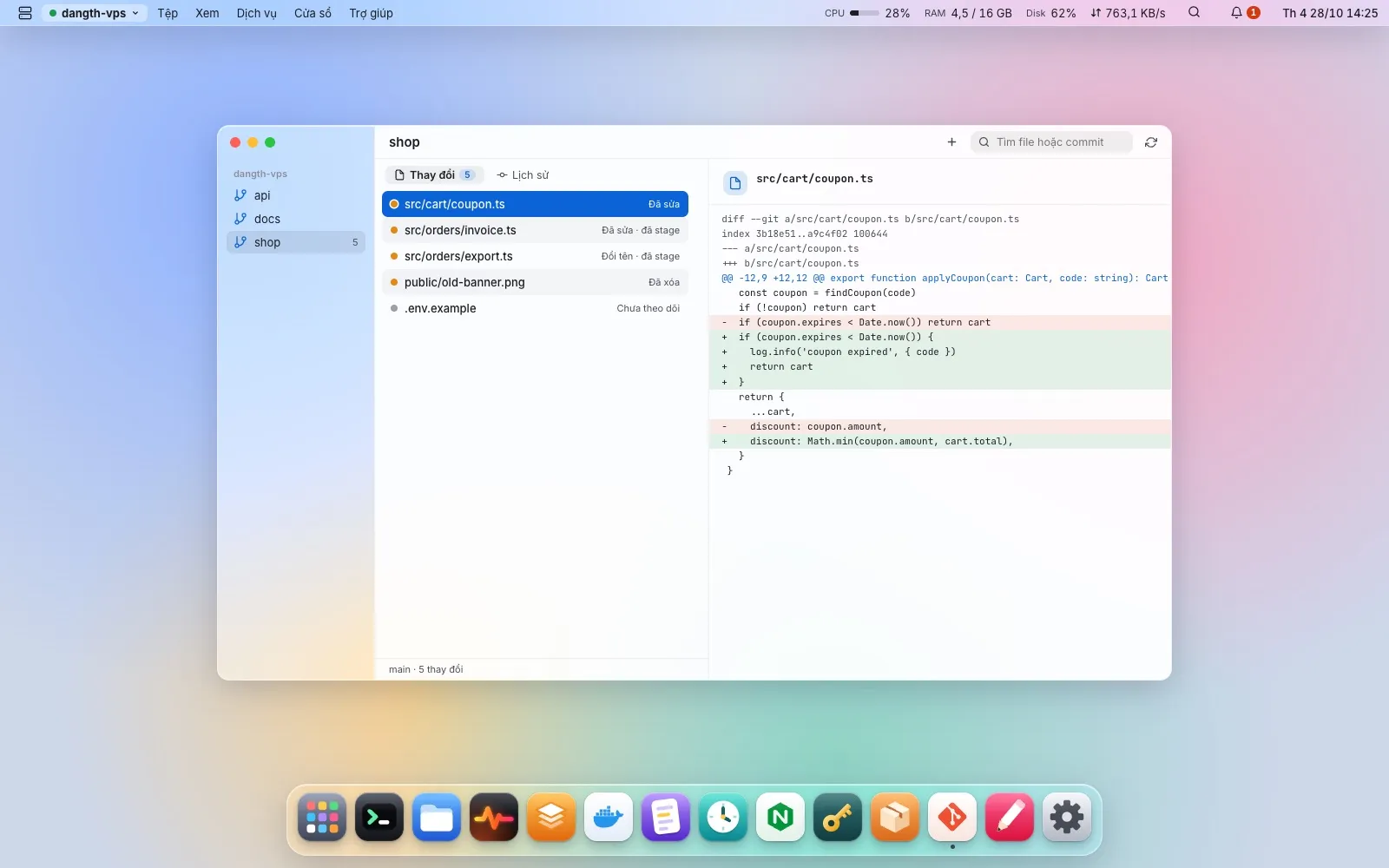
Finds the repositories in your home, /var/www, /srv and /opt, or folders you add. Branch, upstream and how far ahead or behind, changed files with their diffs, and a commit graph of every branch with merges and tags. Fetch, pull --ff-only (refused while the tree is dirty) and switch branches after confirming the exact command; npm ci / yarn / pnpm from the lockfile in a terminal. A rejected key leads to creating a deploy key.
Clone a repository… (SSH or HTTPS, folder, branch), git init and Set a remote… type the command into a terminal. For GitHub and GitLab over SSH, the host key they publish is added to known_hosts first; a button leads to creating a deploy key. Deploy… keeps a recipe per repository on your computer (pull, install, build, restart…) and runs it step by step in a terminal, stopping at the first step that fails. Davish looks at the repository (lockfile, package.json scripts, compose file, go.mod, Makefile) and at what runs the app from that folder (pm2, systemd, Docker compose), and offers the steps as switches: get the new code, install dependencies, build, restart the app, plus custom steps. Each step shows its exact command, and the choices are remembered. Deploy runs right away in a terminal; when a step needs sudo, the line is typed for you to press Enter and type the password. The terminal shows each step as done, running or failed with its time, a notification says when the deploy finished or which step failed, and the repository lists its last deploys with commit and duration.