Disk
此内容尚不支持你的语言。
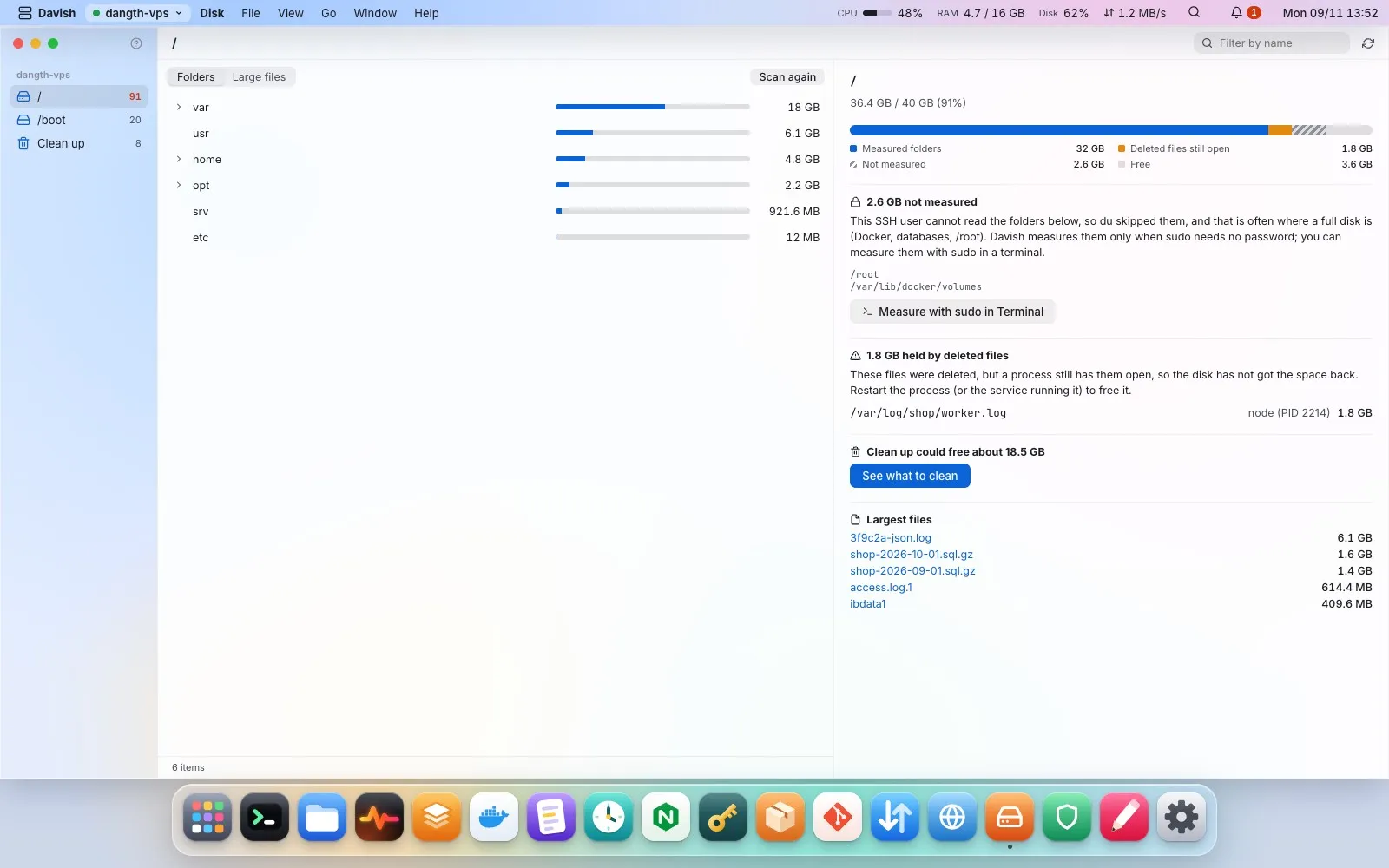
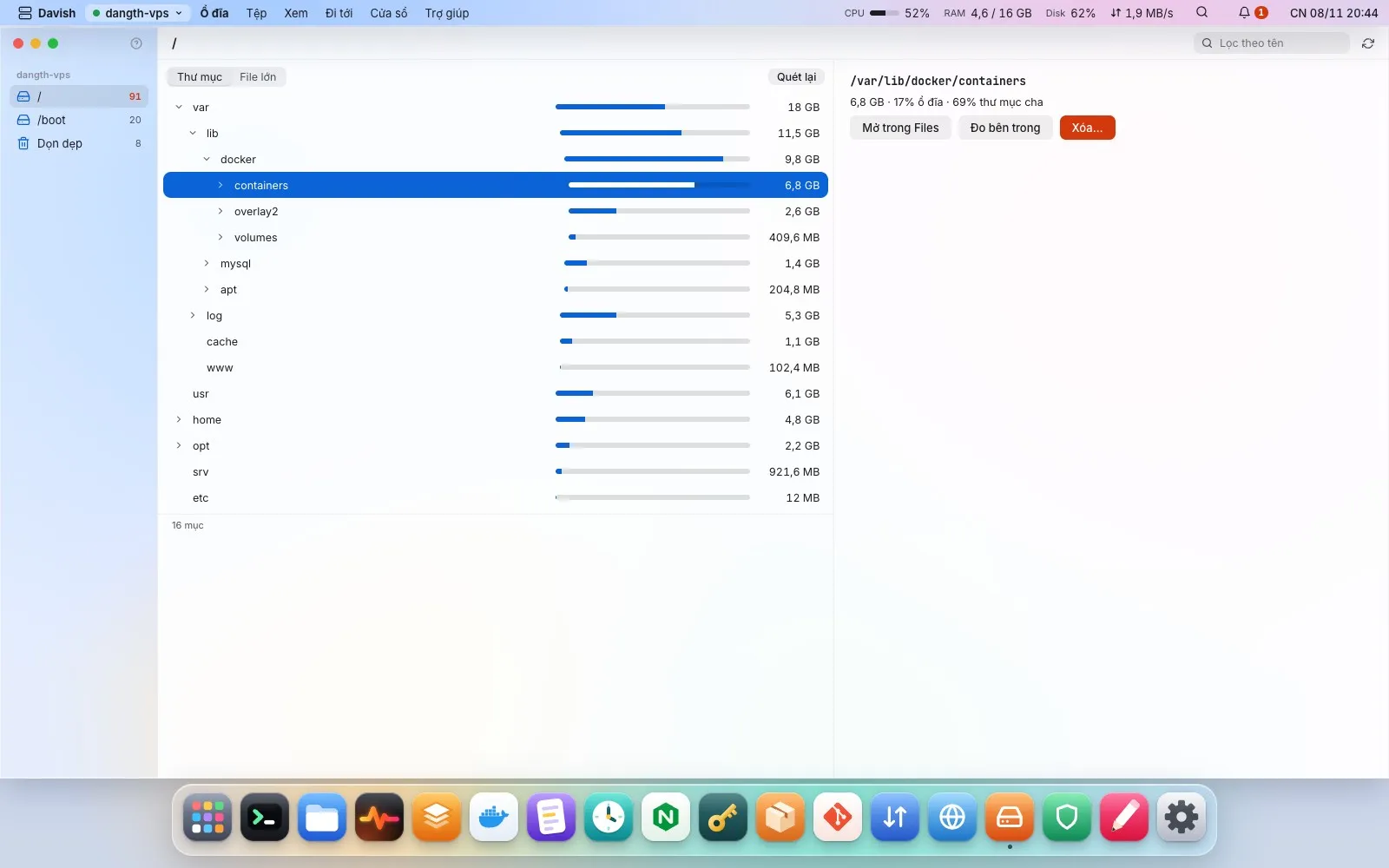
Where each disk’s space goes, from one scan of the whole disk (as root through sudo when sudo needs no password or the session has it; otherwise Measure with sudo…). The overview splits the disk into measured folders, deleted files a process still holds open, what could not be measured and free space, and explains the gaps: the folders this user cannot read, with a sudo du to run in a terminal, and which process holds which deleted file. Folders open in place as a tree, deeper levels measured when opened; a Large files tab lists every file from 50 MB.
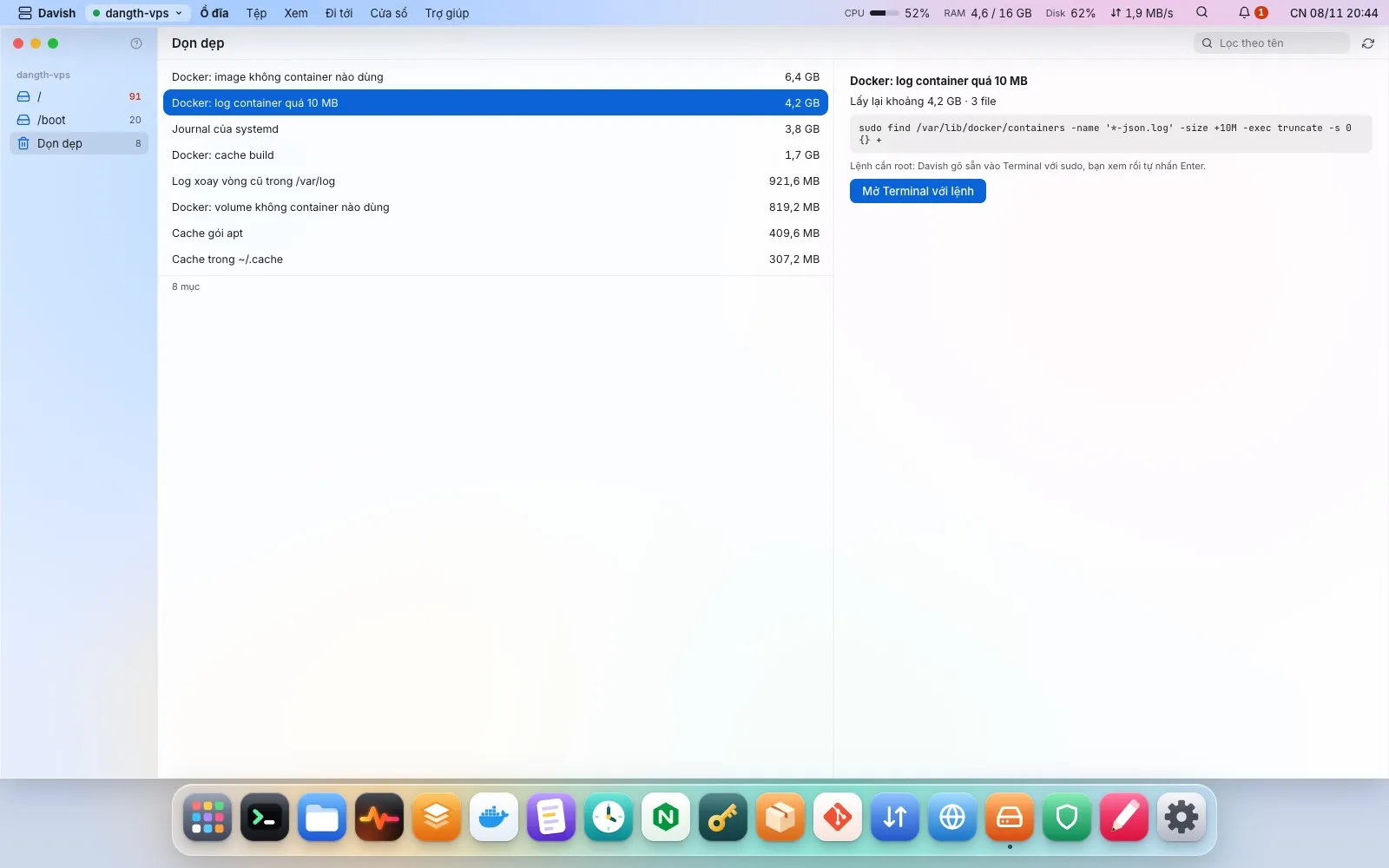
Delete a folder or file, or empty a file such as a log so the program writing it carries on, after seeing the exact command; anything from 1 GB, or a folder with content, asks for its name. System folders, package databases, Docker’s and databases’ data and home folders are refused, and root’s files are deleted or emptied through sudo once you confirm. When a path goes through a link or a folder other users may change, Davish types the command into a terminal instead. Cleanups that need root run through sudo too; your own caches always run as you. Cleanups list the space they free: Docker images, stopped containers, build cache, volumes (flagged as data) and container logs, the journal, rotated logs, package caches, crash dumps, old temporary files, old snap revisions, ~/.cache and the npm cache, each with its exact command. A full-disk alert opens it at the right mount.