Logs
此内容尚不支持你的语言。
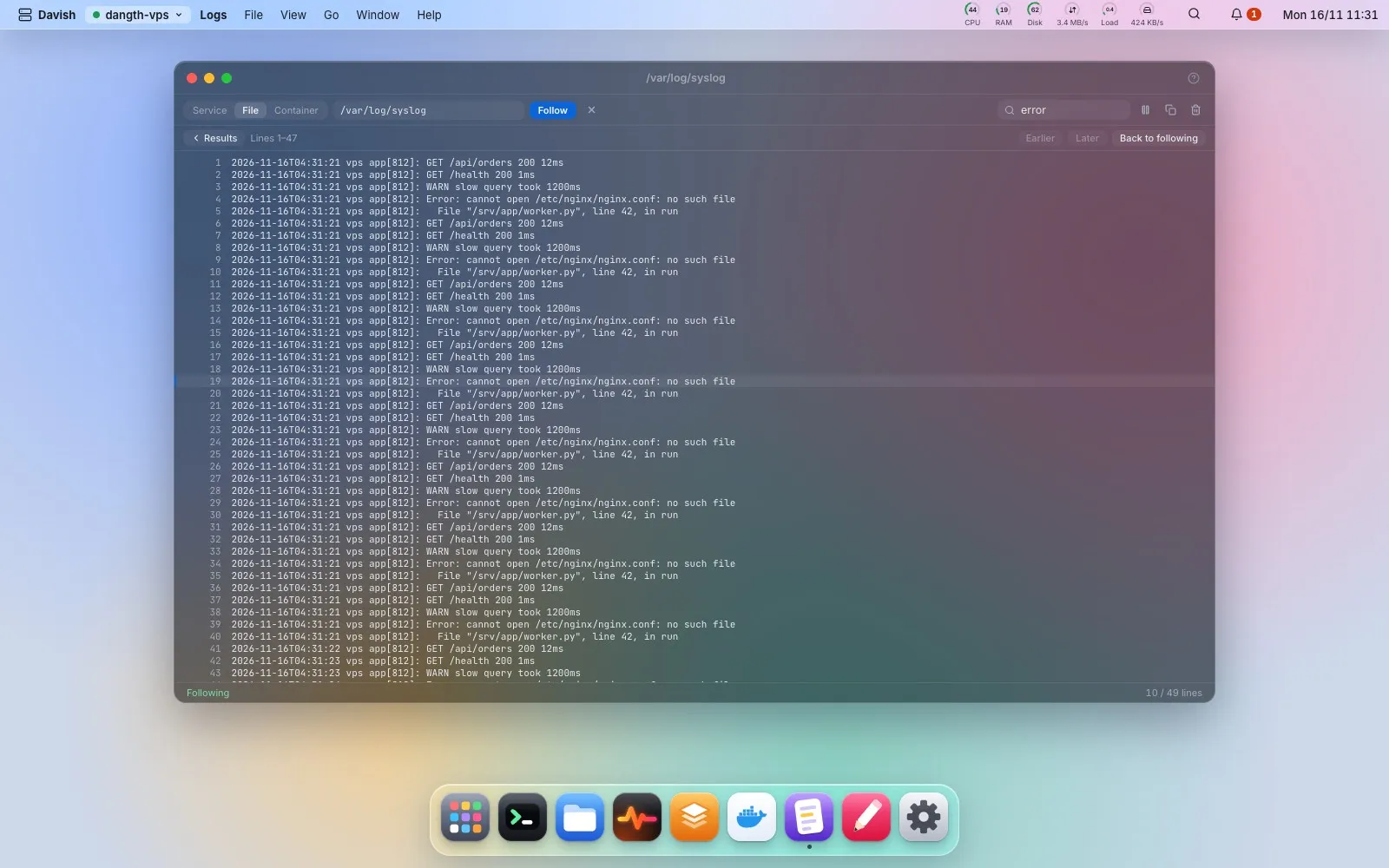
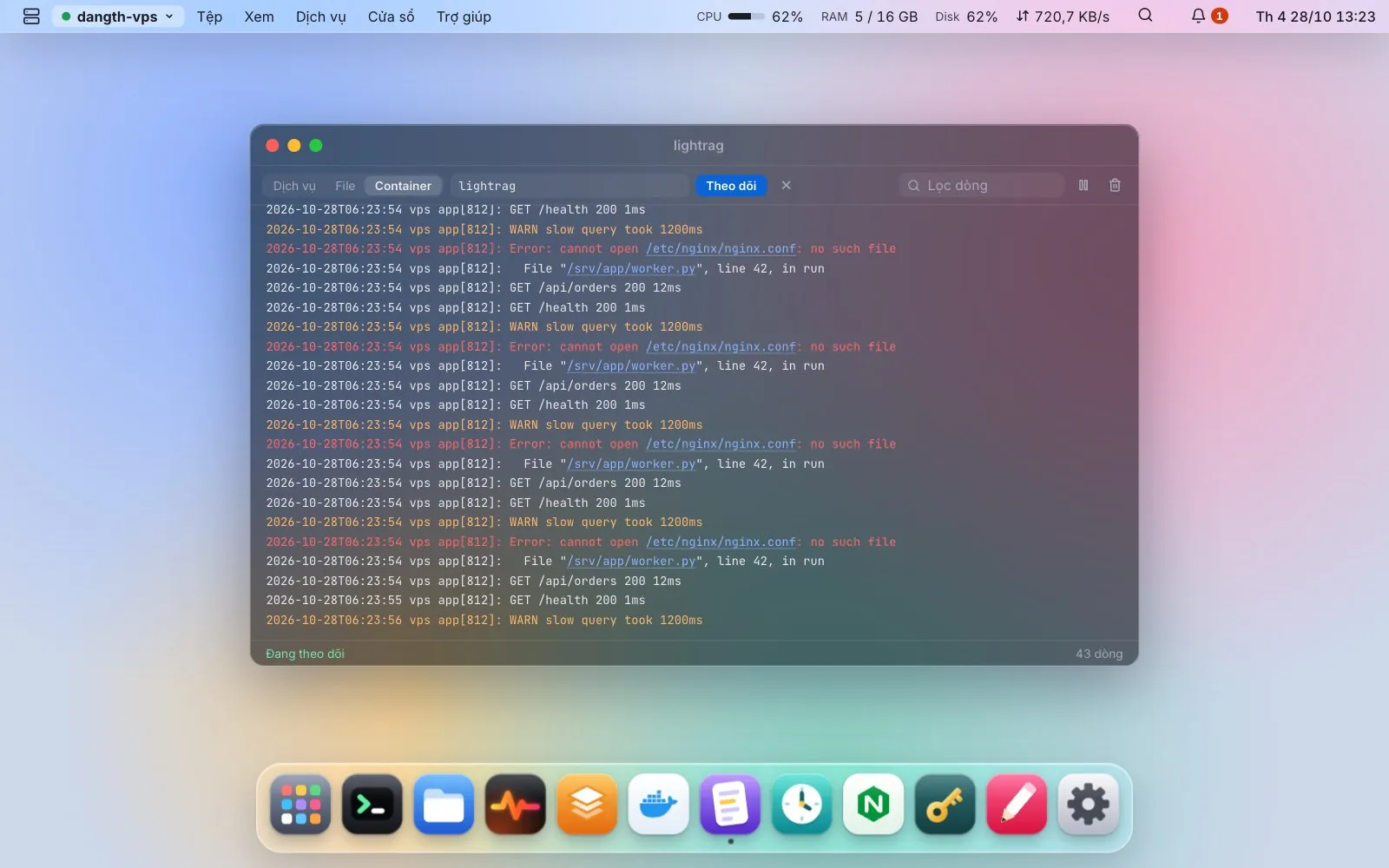
Follow a unit’s journal, a file or a container. Filter, pause, highlight errors, and click a file path to open it in the Editor at that line. A log you may not read is followed again as root through sudo.
The filter only sees the lines on screen. Search all (or Enter in the filter) searches the source’s whole history on the server and returns the latest 500 matching lines: grep for a file, journalctl -g for the journal, docker logs | grep for a container. For a file, click a result to read the lines around it, then page earlier or later; sed reads just that page, so a log of several GB is never downloaded.