Spotlight & Launchpad
此内容尚不支持你的语言。
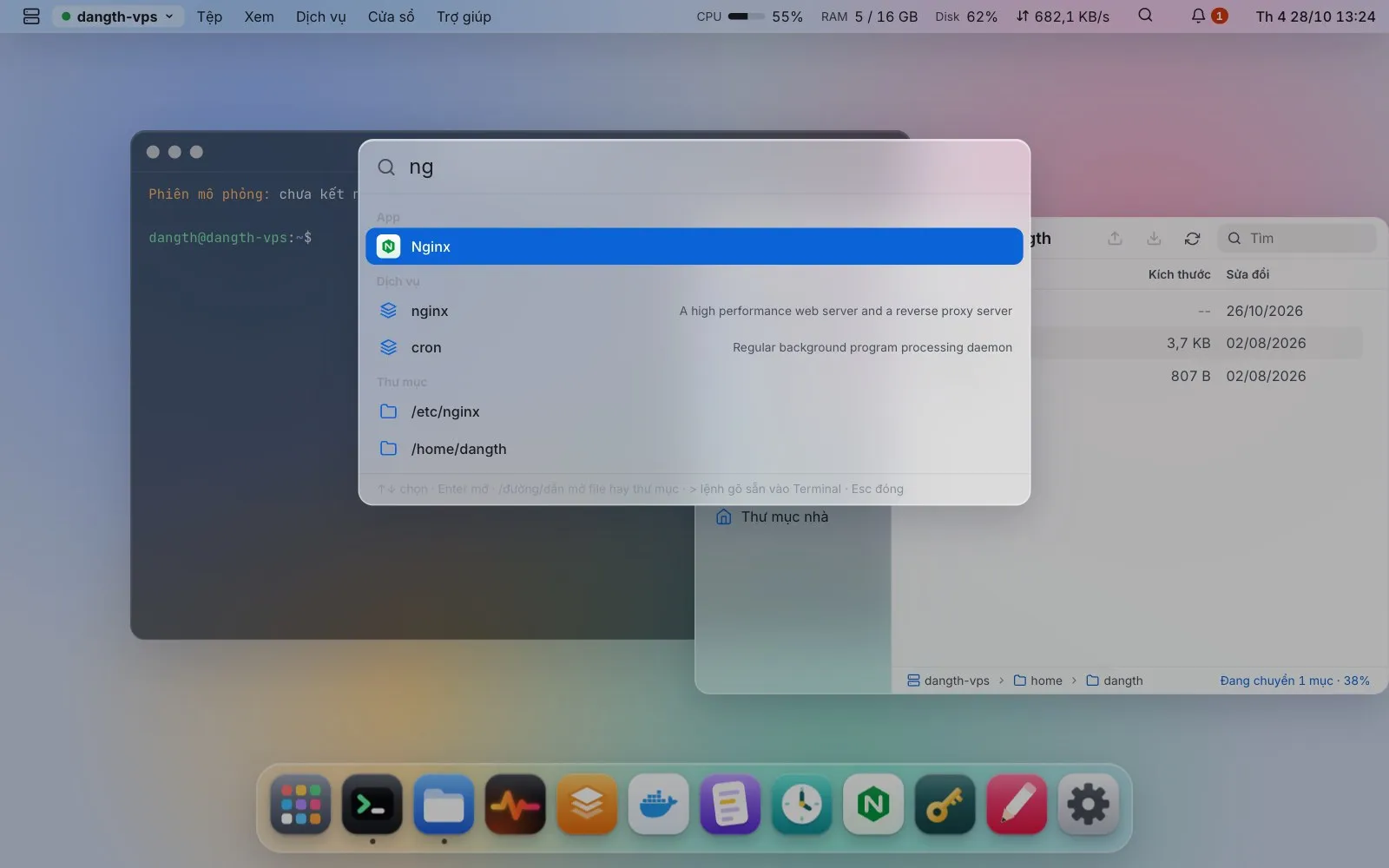
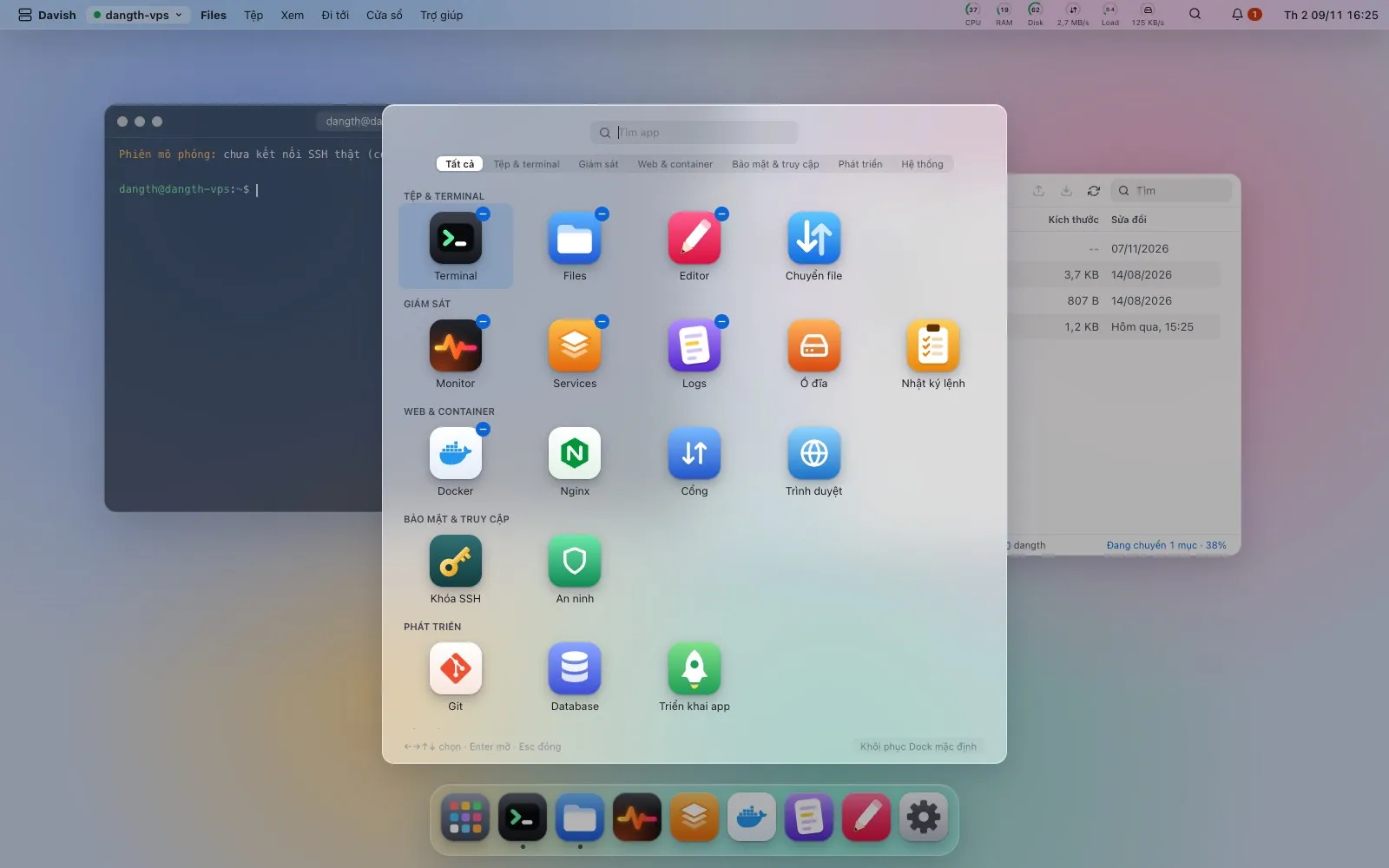
A real menu bar (File, View, Go, Window, Help and the focused app’s own commands) with every shortcut listed under ⌘/, and a ? on each app explaining what it does and which commands it runs. ⌘K (or the magnifier in the menu bar) to open an app, a service, a container, a folder, a /path, or > a command typed into a terminal. Launchpad (⌘⇧A) starts with the five apps you opened last, then every app in groups (files & terminal, monitoring, web & containers, security & access, development, system), with a tab per group and a search across all of them; + pins an app to the Dock, − takes it off, and one button puts the Dock back as it came.