Files
此内容尚不支持你的语言。
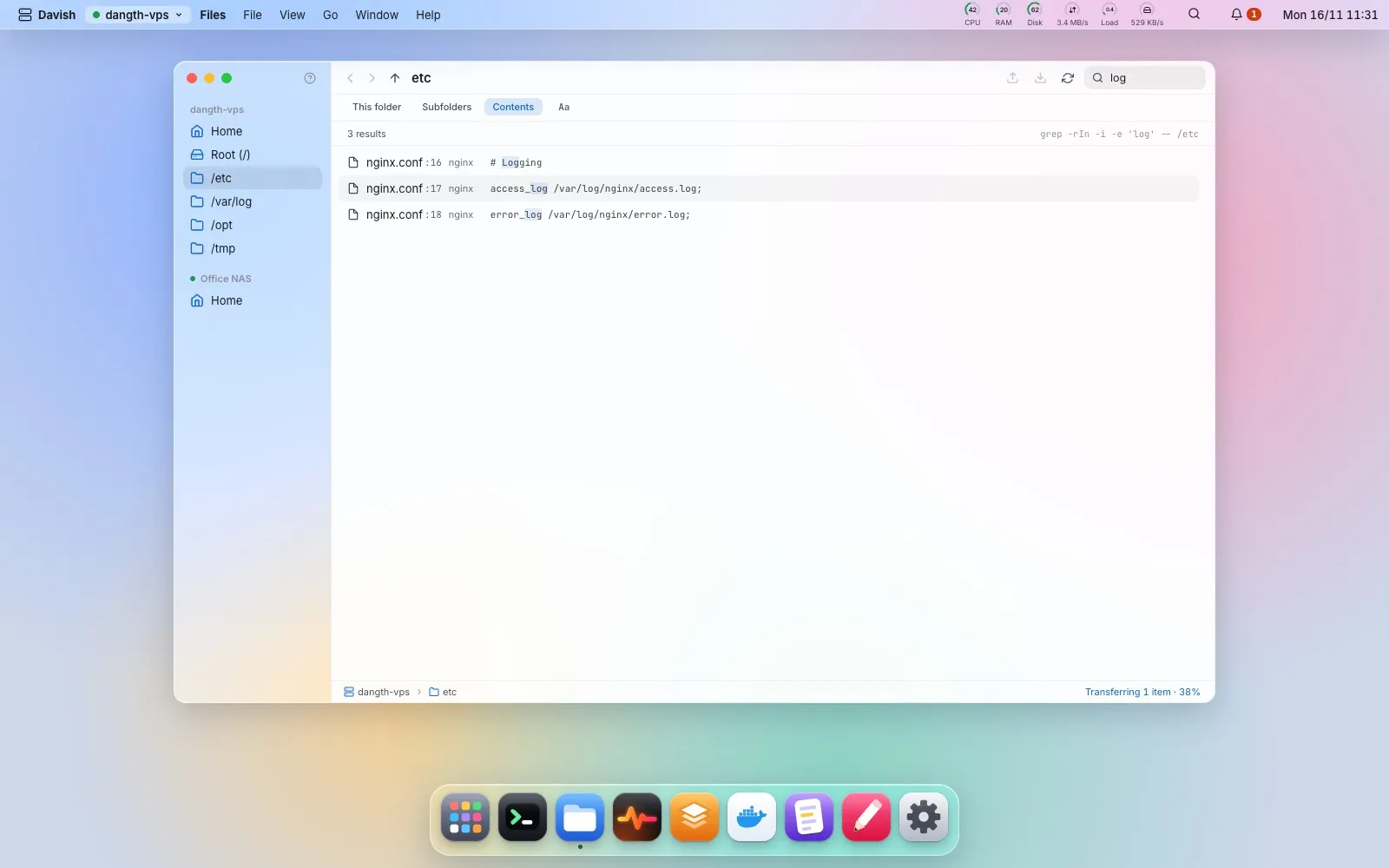
Finder-style browser over SFTP: upload, download, drag and drop from your OS, rename, delete, compress, and copy between servers through your machine. Hold a file and drag a little: a ring of actions opens around the pointer (open in Editor or Terminal, rename, delete, compress, copy the path, add to desktop); drop on a slice to pick it, in the middle or with Esc to cancel. Right-click empty space to create a file or folder in the folder on screen; Davish never overwrites an existing file.
The search box filters the folder on screen. Pick Subfolders or Contents and press Enter to search the server instead: find by name across the whole tree, or grep through the files for a line (binary files, .git and node_modules are skipped). Up to 500 results arrive in a few seconds with the exact command that ran; a content result opens in the Editor at its line, and the folder button shows it in its folder. Places the account cannot read are counted, not retried as root, and Stop ends a long search.